
$15.00
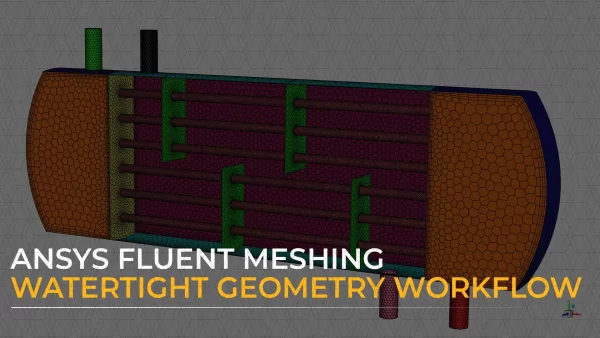
The focus of this course is on the Describe Geometry task of the Ansys Fluent Meshing watertight geometry workflow. Once the surface mesh is generated, the Describe Geometry task is used to define the computational model before generating the volume mesh. This task consists of various options and subtasks that will be discussed in detail through a series of six lessons. In the first lesson, we will introduce the task and discuss the user inputs required to describe the geometry type. Next, we will learn how to create capping surfaces and extract fluid regions. This will be followed by a discussion on how to assign boundary types to boundary surfaces. We will then learn how to perform the Share Topology operation using the available methods. Finally, we will learn how to change the properties of the identified regions in the computational model.
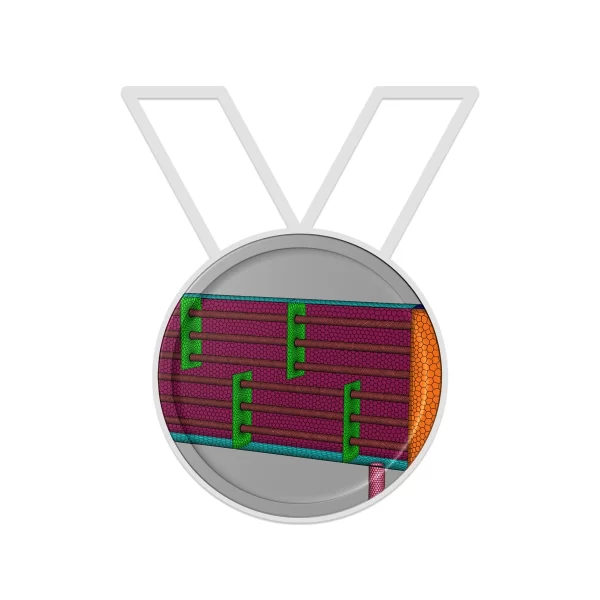
A course completion badge allows you to showcase your success. We partner with the Credly Acclaim platform, and digital badges can be used in email signatures, digital resumes and social media sites. The digital image contains verified metadata that describes your participation in our course and the topics and skills that were covered. This badge is for successfully completing the Describe Geometry course.
View More Badge Details



© 2023 CADFEM SEA Pte Ltd. All rights reserved.


I represent and warrant that either I am of legal age, in accordance with all applicable laws, to access or otherwise use the AIS Site or avail of any Offering in accordance with the Terms, or alternatively, my parent or legal guardian has consented to these Terms.
You may request a refund for this product if you are dissatisfied with your purchase for any reason within fourteen (14) days of purchase to receive a refund in full. Refunds may take up to four (4) business days to process. Your access to the badge will be revoked upon submitting a refund request. You will no longer be able to share the badge via social channels, and existing social shares will be invalidated. Check out our FAQs for more information.
You can request a refund for your badge for upto 15 days after purchase.
Once your refund is processed the badge will disappear from your Credly account and any links posted on social media or resume will become inactive.